7 Best Free iLovePDF & Smallpdf Alternatives in 2026 (No Daily Limits & 100% Private)
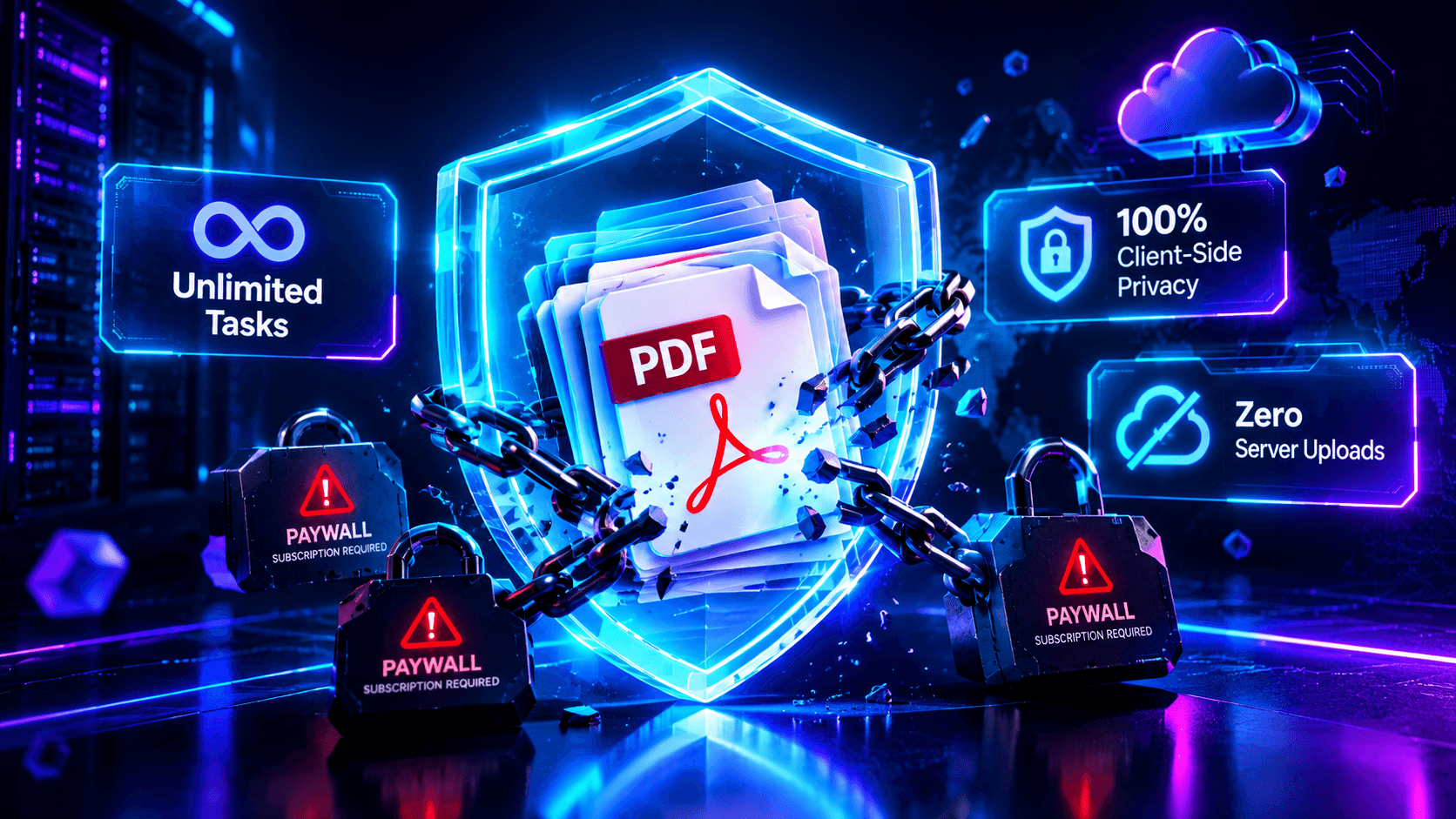
Executive Summary & Reference Guide
Master PDF document optimization, compression methods, and format conversions locally. This guide details how to reduce file sizes up to 80% using browser-based compression without exposing sensitive documents to third-party databases.
The best overall free alternative to iLovePDF and Smallpdf is ToolifyHub PDF Suite for instant, zero-upload in-browser conversions with no daily task limits. Unlike Smallpdf (which restricts free users to 2 tasks per day) and iLovePDF (which imposes 15MB file caps and recurring paywalls), ToolifyHub uses client-side WebAssembly to compress, merge, and split files directly in local device RAM with 100% privacy. For offline desktop use on Windows, PDF24 Creator is the top legacy choice, while Stirling-PDF leads for open-source, self-hosted Docker deployments.
Locked out by an iLovePDF or Smallpdf limit right now?
Process your PDF immediately with zero file uploads, no daily task limits, and complete client-side security.
Why Thousands of Users Are Abandoning Freemium PDF Converters
- The 2-Task Lockout: Smallpdf blocks your IP address after two operations, forcing a $12/month subscription.
- 15MB File Size Walls: iLovePDF blocks larger files, refusing to compress or convert high-resolution documents.
- Corporate Data Leakage: Uploading tax returns or customer NDAs to cloud servers violates corporate GDPR rules.
- The Modern Solution: Client-side WebAssembly tools process files directly in local RAM with zero upload lag.
The Freemium Trap Decoded: Why iLovePDF & Smallpdf Lock You Out
Almost every professional and student has experienced the same frustrating scenario: you are preparing an urgent job application, legal petition, or financial filing. You navigate to a popular cloud PDF website, upload a document, and merge two pages. But when you attempt to compress the file for an email attachment, a sudden blocking overlay appears:
Understanding why commercial web converters do this requires looking at their underlying technology. Traditional PDF services rely on server-side cloud computing:
- You select a file on your laptop or smartphone.
- Your device uploads the multi-megabyte payload across the internet to a centralized server cluster.
- A cloud container queues the document, runs a headless Linux tool, and generates an output file.
- You download the converted document back to your machine.
Because cloud servers consume electricity, memory, and bandwidth for every single conversion, these companies enforce artificial throttles to minimize server costs and coerce occasional users into recurring subscription fees.
The Enterprise Privacy Crisis: Why Banks & Law Firms Ban Cloud PDF Uploads
Beyond subscription paywalls, uploading documents to commercial cloud utilities carries significant data compliance risks. When you upload a PDF to an unverified third-party web service, you have zero visibility into:
While commercial platforms claim files are deleted within two hours, files remain accessible in temporary server caches, backup buckets, and disk swap memory.
Uploading medical records, payroll spreadsheets, or client bank account numbers breaches European GDPR, US HIPAA, and Gramm-Leach-Bliley Act (GLBA) mandates.
Transmitting raw document bytes across public networks exposes files to man-in-the-middle inspection and shared cloud container vulnerabilities.
For accounting firms, healthcare practitioners, and legal counsels, using client-side tools where files never leave the local device is not just convenient: it is a legal necessity.
Master Comparison Matrix: The 7 Best Free Alternatives at a Glance
The table below provides an objective, verifiable comparison of the top alternatives based on real-world testing:
| Tool / Platform | Free Daily Tasks | File Size Cap | Processing Engine | Price | Offline Ready? |
|---|---|---|---|---|---|
| ToolifyHub PDF Suite | Unlimited | No limit (RAM based) | 100% In-Browser (WASM / Canvas) | 100% Free | Yes (Disconnect Wi-Fi) |
| Stirling-PDF | Unlimited | No limit | Self-Hosted Docker Server | Free Open-Source | Yes (Localhost) |
| PDF24 Creator | Unlimited | No limit | Desktop Windows Application | 100% Free | Yes (Desktop app) |
| PDFgear | Unlimited | No limit | Desktop App (Windows/Mac/iOS) | 100% Free | Yes (Desktop app) |
| Sejda PDF | 3 tasks / hour | 50 MB / 200 pages | Cloud Server Pipeline | $7.50 / month | No |
| iLovePDF (Benchmark) | Limited (Tiered) | 15 MB - 25 MB | Cloud Server Pipeline | $7.00 / month | No |
| Smallpdf (Benchmark) | 2 tasks / day | 15 MB | Cloud Server Pipeline | $12.00 / month | No |
Detailed Audit: The 7 Best Free Alternatives Ranked
1ToolifyHub PDF Suite (Best Overall In-Browser Engine)
100% In-Browser PrivacyToolifyHub solves the core limitation of commercial web tools by eliminating server round-trips entirely. Built with native WebAssembly (WASM) and client-side JavaScript APIs, ToolifyHub performs document compression, page extraction, rotation, and merging straight inside your local browser memory sandbox.
- Zero file uploads: files never leave your machine.
- No daily limits, no monthly subscriptions, zero account sign-up.
- Functions completely offline once the browser tab is loaded.
Accountants, legal counsels, students, and freelancers who handle confidential documents or need instant, unlimited conversions without paywalls.
2Stirling-PDF (Best Open-Source Self-Hosted Suite)
Self-Hosted / DockerStirling-PDF has become the darling of technical Reddit communities like r/selfhosted and r/opensource. It is an open-source web application packaged as a Docker container that provides an exact self-hosted clone of iLovePDF's feature suite on your own local server or home lab.
- Full feature parity with enterprise suites (OCR, redaction, watermarks).
- Self-hosted on local hardware with zero external telemetry.
Requires Docker knowledge, command-line familiarity, and a running server or desktop environment. Not suitable for casual users looking for a 5-second online fix.
3PDF24 Creator (Best Free Offline Windows Utility)
Windows DesktopMaintained by a German software company, PDF24 Creator has been a trusted free staple for over 15 years. It is available as a 100% free downloadable Windows software application containing virtually every document conversion and page-editing utility imaginable.
- Completely free for both personal and corporate use.
- Runs offline without internet connectivity.
Desktop app is Windows-only (no native Mac or Linux app). The web-based version runs on cloud servers and requires file uploads.
4PDFgear (Best Desktop Reader & Free Editor)
Multi-Platform DesktopPDFgear has gained rapid traction on Reddit as a free desktop application available across Windows, macOS, and iOS. It combines an intuitive PDF viewer with free text editing, page reordering, annotation tools, and an integrated AI document chat feature.
- Free cross-platform desktop application (macOS + Windows).
- Direct inline text editing without subscription paywalls.
Requires downloading and installing an installer file. Its web tools are basic compared to its desktop client.
5Sejda PDF (Best Web Editor with Hourly Limits)
Freemium WebIf your task specifically requires editing existing PDF text inside a web browser, Sejda offers one of the slickest browser editors available. However, unlike ToolifyHub or PDF24, Sejda is not entirely unlimited: its free tier caps users at 3 tasks per hour and documents up to 50MB or 200 pages.
6LibreOffice Draw (Best Open-Source Vector Re-Editor)
Open-Source DesktopMany people forget that LibreOffice (the popular free office suite) includes Draw, an exceptional vector editing application. When you open any PDF in Draw, it breaks the file into native text boxes, vector curves, and raster layers, letting you edit text directly without paying Adobe $20/month.
7DocFly (Basic Cloud Alternative)
Cloud WebDocFly provides a cloud-based interface for merging, form-filling, and password-protecting documents. It grants users 3 free file exports per month, making it a backup option if you need quick form filling.
The "Disconnect-Wi-Fi" Test: How to Prove True Client-Side Privacy
Many web utilities claim to be "private" or claim "we do not read your files," yet their code still transmits your document payload to external AWS or Google Cloud servers.
You can verify whether a web service is genuinely client-side using this simple 3-step audit:
On iLovePDF or Smallpdf, the operation will instantly fail with a network error because their servers cannot receive the upload. On ToolifyHub, the document compresses, merges, or splits instantly because your computer processor does 100% of the work. If it works offline, your files never touched the internet.
The 2-Option Architecture: Client-Side Privacy vs Server Cloud
A common misconception in web development is that all operations should be forced into a single architecture. In reality, a balanced platform must provide two processing pathways:
Option A: Client-Side Browser Sandbox
Ideal for accountants, financial institutions, and legal teams handling confidential tax filings, client contracts, and bank statements. The document is decoded in local RAM using WebAssembly. Speed is limited only by local CPU cores, with zero data leakage risk.
Option B: Server-Side Cloud Pipelines
Essential for low-spec smartphones or mobile devices processing heavy 300-page scanned documents. High-memory OCR models (like Tesseract and LibreOffice headless) execute on isolated private cloud containers and purge data immediately after download.
How to Bypass iLovePDF & Smallpdf Daily Limits Using ToolifyHub
If you have hit a daily task limit or file size restriction, you can complete your exact workflow immediately using ToolifyHub's free utilities:
1. Merging Multiple Large Files
Instead of being blocked by iLovePDF's 15MB file ceiling, use ToolifyHub Merge PDF. Combine dozens of documents in seconds with zero upload lag.
2. Compressing Files for Email & WhatsApp
Shrink oversized PDFs down to under 100KB or 200KB for government job portals using ToolifyHub PDF Compressor with zero daily task count limits.
3. Splitting & Extracting Pages
Extract specific page ranges or remove blank pages cleanly with ToolifyHub Split PDF.
4. Converting to Editable Word
Convert digital documents into editable DOCX format preserving tables and layout headers with ToolifyHub PDF to Word.
Frequently Asked Questions (Alternative Solutions Guide)
Q1:How do I bypass the iLovePDF or Smallpdf daily task limit?
You do not need browser extensions, VPN tricks, or incognito mode to bypass daily limits. The easiest and safest way is switching to a free client-side tool like ToolifyHub or an open-source utility like Stirling-PDF, which process documents in browser memory or locally with zero task limits.
Q2:Why do iLovePDF and Smallpdf lock users after 2 tasks?
Traditional web converters upload your files to remote cloud servers to run conversions. Cloud computing power and bandwidth cost money, so they impose strict free limits (Smallpdf locks users after 2 daily tasks; iLovePDF limits file size to 15MB) to force users into monthly subscriptions.
Q3:Are client-side PDF tools safer than cloud upload converters?
Yes, significantly safer. Client-side tools use WebAssembly and HTML5 Canvas inside your browser sandbox. Your document never leaves your device and never touches an external server, eliminating data breach risks, compliance violations, and unauthorized data logging.
Q4:Can I use client-side PDF tools without an internet connection?
Yes. Once the web tool is loaded into your browser tab, you can disconnect your Wi-Fi completely. Tools like ToolifyHub Merge PDF, Split PDF, and PDF Compressor continue functioning offline because all JavaScript execution happens inside your local device RAM.
Q5:What is the best open-source self-hosted alternative to iLovePDF?
Stirling-PDF is the premier open-source self-hosted alternative. It runs inside a Docker container on your local machine or private server, providing a full suite of PDF utilities with zero tracking, zero limits, and no external internet dependencies.
Q6:Do free alternatives add watermarks to converted documents?
Reputable free alternatives like ToolifyHub, PDF24, and Stirling-PDF do not add watermarks. Commercial tools like Sejda or Adobe Acrobat may add branding or restrict features unless you upgrade to a paid plan.
Q7:Can I compress PDFs over 100MB without a file size cap?
Yes. Because client-side tools execute locally using your computer processor and RAM, you are not subject to server upload thresholds. You can compress, split, or merge large 100MB+ documents without hitting a 15MB paywall banner.
Q8:Why do banks and accounting firms prohibit employees from using iLovePDF?
Uploading confidential bank statements, tax returns, or corporate contracts to third-party public cloud servers violates data privacy regulations such as GDPR, HIPAA, and GLBA. Most corporate IT security policies ban cloud file converters to prevent data leakage.
Q9:What is the difference between client-side privacy mode and server cloud mode?
Client-side mode executes in your browser sandbox, keeping confidential data private. Server cloud mode handles heavy operations (like scanned OCR on hundreds of pages) that would otherwise crash low-spec mobile smartphones.
Q10:Is ToolifyHub completely free forever without hidden charges?
Yes. ToolifyHub provides 100% free access to all core PDF utilities (Compress, Merge, Split, Convert) with no subscriptions, no credit card prompts, and no account registrations required.
Direct Access: ToolifyHub Free Document Suite
Zero sign-up, zero daily limits, and 100% private in-browser document processing:

Ali Gohar
Founder of ToolifyHub.tools
I built ToolifyHub.tools after getting frustrated with expensive, watermarked, and signup-required tools. Based in Larkana, Pakistan. I test every tool personally before publishing.
Try Related Tools Free
Professional utilities to help you get things done faster.