How to Compress PDF to 100KB & 200KB for Govt & Job Portals (Step-by-Step)
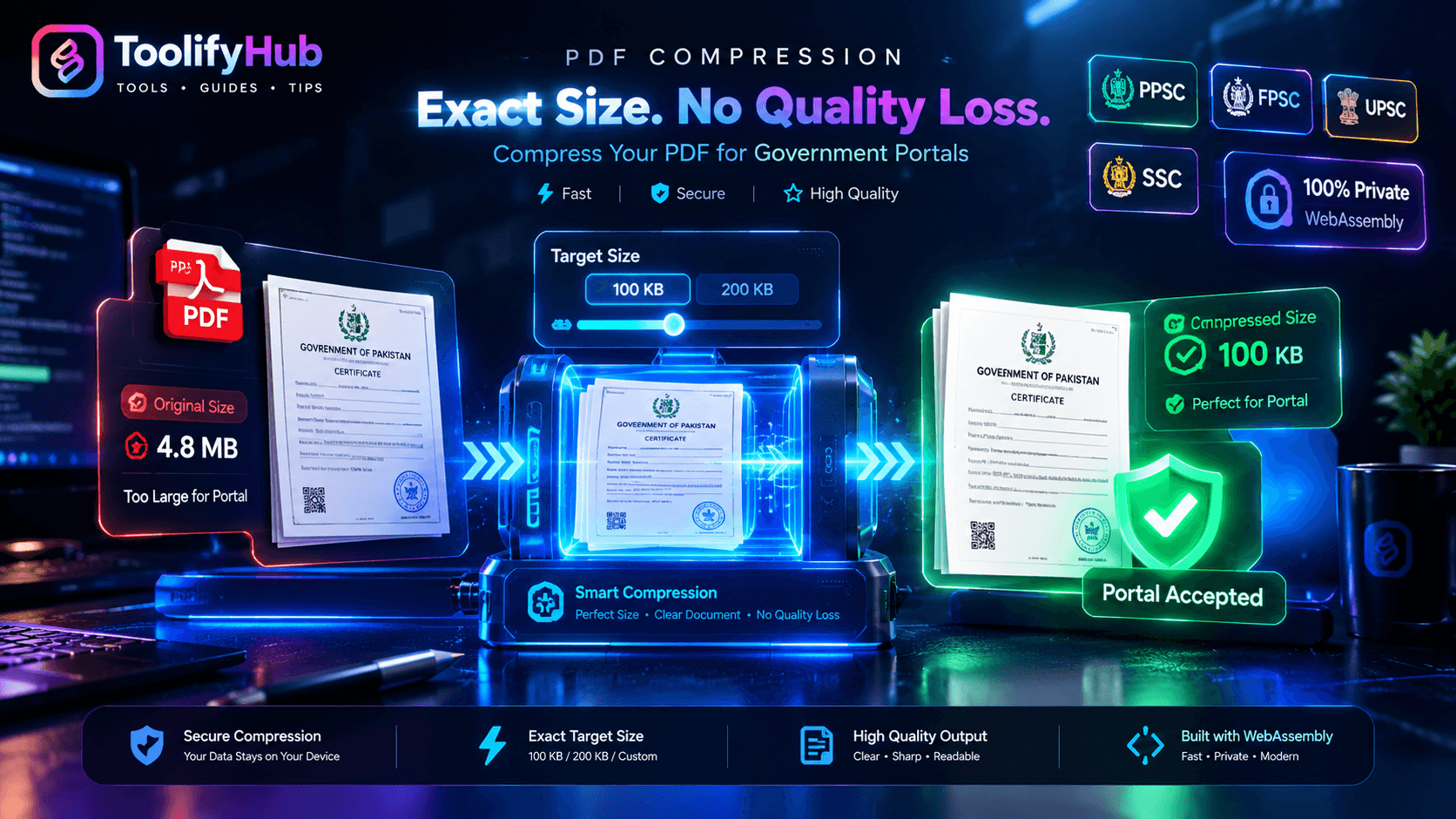
Executive Summary & Reference Guide
Master PDF document optimization, compression methods, and format conversions locally. This guide details how to reduce file sizes up to 80% using browser-based compression without exposing sensitive documents to third-party databases.
To compress a PDF to strictly under 100KB or 200KB for government recruitment portals (UPSC, SSC, FPSC, PPSC), you must use an adaptive compressor with target kilobyte control rather than generic low/medium presets. ToolifyHub calculates exact DPI downsampling and JPEG entropy settings in your browser memory, shrinking documents from 4MB+ down to 90KB-185KB while preserving critical signatures, seal stamps, and text readability.
1. The Government Portal Upload Crisis: Why 100KB & 200KB Limits Exist
Every recruitment cycle, millions of qualified candidates apply for prestigious public service commissions, state recruitments, and university admissions. Whether you are applying for UPSC Civil Services or SSC in India, FPSC or PPSC in Pakistan, or consular visas internationally, you inevitably encounter a frustrating technical gatekeeper:
Government application portals manage tens of millions of candidate records. To prevent server storage exhaustion and maintain database performance, legacy backend architectures enforce strict binary ceilings on attached PDFs (stored as SQL BLOBs). If an uploaded document exceeds the ceiling by even 1 single byte, the automated validation script immediately rejects the application.
2. Official Portal Upload Limit Matrix (Verified 2026 Standards)
Before compressing your documents, review the exact file constraints enforced by major government commissions and recruitment boards:
| Commission / Portal | Country | File Size Limit | Document Type | Recommended Target Mode |
|---|---|---|---|---|
| UPSC Online Application | India | 20 KB to 300 KB | Photo ID, Age Proof, Degree | Target 200 KB |
| SSC (Staff Selection Commission) | India | 100 KB to 200 KB | Category Certificate, 10th Marksheet | Target 100 KB |
| FPSC (Federal Public Service) | Pakistan | Strictly Under 200 KB | CNIC, Domicile, Transcript, Fee Challan | Target 200 KB |
| PPSC (Punjab Public Service) | Pakistan | Strictly Under 200 KB | Experience Letter, Professional Degree | Target 200 KB |
| NTS / PTS Job Portals | Pakistan | 100 KB to 200 KB | Candidate Bio-data, Marksheet Scans | Target 100 KB |
| State PSCs (BPSC, UPPSC, MPPSC) | India | 100 KB to 250 KB | Domicile, Caste Certificate, Graduation | Target 100 KB / 200 KB |
| US Visa DS-160 / Consular Portal | Global | Under 240 KB / 2 MB | Affidavit of Support, Financial Evidence | Target 200 KB |
3. Why Generic Compressors (iLovePDF, Smallpdf) Fail on Portals
Most applicants instinctively visit generic compression websites like iLovePDF, Smallpdf, or online converters. However, these tools are built for general business PDFs, not strict recruitment portals. Here is why they repeatedly fail:
Generic compressors use rigid presets (Low, Medium, Extreme). A 4MB certificate compressed on Medium might land at 205KB. To the portal validator, 205KB is as invalid as 20MB.
When users select Extreme compression to force files under 100KB, generic engines indiscriminately decimate all images. Official stamps, registrar signatures, and serial numbers become illegible pixel mud.
Tools like 11zon and Smallpdf upload your CNIC, Aadhaar, and confidential transcripts to remote cloud servers. If your internet disconnects during the upload, the process fails completely.
4. Step-by-Step Guide: How to Compress to Exact 100KB or 200KB on ToolifyHub
ToolifyHub utilizes client-side WebAssembly to execute an adaptive binary search convergence loop. Follow this 4-step walkthrough to generate guaranteed portal-compliant documents in seconds:
Upload Your Scanned PDF Document
Navigate to the ToolifyHub PDF Compressor. Drag and drop your scanned degree, certificate, CNIC, or marksheet directly into the dropzone. You will immediately see the file name and original size (e.g., 4.2 MB).
Select Your Target Size Preset
Under the Select Target Upload Limit panel, click the preset required by your portal:
- Target 100 KB: For SSC forms, single-page ID cards, and strict certificate uploads.
- Target 200 KB: For UPSC, FPSC, PPSC, NTS, and State PSC recruitment portals.
- Custom KB: Enter an exact number (e.g., 150 KB) if your portal has an unconventional limit.
Execute Adaptive Client-Side Compression
Click the blue Compress to Under 200 KB button. The engine runs up to 3 automated mathematical passes inside your browser RAM, adjusting raster DPI (between 120 and 180 DPI) and JPEG quality until the resulting PDF is strictly under your target byte ceiling.
Inspect Before-and-After Metrics & Download
Verify the final compressed size (e.g., 184 KB, saving 95.6% disk space). Click Download Compressed PDF to save your ready-to-upload document immediately without watermarks or account signups.
5. The Signature & Official Stamp Clarity Blueprint
During physical document verification, public service commissions manually inspect your uploaded mark sheets. If a registrar stamp, official seal, or signature is blurred, your candidature can be disqualified. Here is how compression physics works and how to protect signature clarity:
Vector Text vs. Raster Scans
In digitally generated PDFs (exported from Word or Google Docs), text is stored as mathematical vector curves. It compresses losslessly with FlateDecode and never loses sharpness.
In scanned documents (from a phone scanner or flatbed), every page is a grid of color pixels. To compress a 4MB scan to 180KB, pixels must be resampled. ToolifyHub preserves vector streams while selectively downsampling only photographic backgrounds.
The Grayscale Downsampling Trick
Color documents store 24 bits per pixel (8 bits each for Red, Green, and Blue). Converting to Grayscale stores only 8 bits per pixel, instantly eliminating 66.7% of raw image weight without reducing DPI sharpness!
6. ToolifyHub vs. iLovePDF vs. 11zon vs. Smallpdf
See how ToolifyHub delivers an unmatched competitive advantage for applicants facing strict upload deadlines:
| Feature / Capability | ToolifyHub | 11zon | iLovePDF | Smallpdf |
|---|---|---|---|---|
| Target KB Guarantee (100KB / 200KB) | Adaptive Guarantee | Slider Only | No (Presets only) | No (Presets only) |
| Document Privacy & Storage | 100% In-Browser (Zero Upload) | Cloud Server Upload | Cloud Server Upload | Cloud Server Upload |
| Works Without Internet (Offline) | Yes (WebAssembly) | No | No | No |
| Daily Usage Limits | Unlimited Free | Free (Ad-supported) | 15MB File Limit | Locked after 2 tasks |
| Stamp & Signature Quality Protection | Adaptive Quality Control | Manual slider tuning | Fixed degradation | Fixed degradation |
7. The Disconnect-Wi-Fi Privacy Verification Test
Government documents contain sensitive personally identifiable information (PII) including CNIC numbers, Aadhaar IDs, home addresses, dates of birth, and official transcripts. You should never upload these documents to random third-party cloud servers.
How to Prove ToolifyHub Never Sees Your Files:
- Open ToolifyHub PDF Compressor in your web browser.
- Once the page has loaded, turn off your Wi-Fi or unplug your internet cable.
- Drag and drop your confidential certificate into the box and click Compress to Under 200 KB.
- Notice how the file compresses and downloads normally in seconds without internet access.
This proves that 100% of the computation executes inside your local browser memory using WebAssembly.
8. Real-World Portal Case Studies (Worked Results)
Original: 4.2 MB 300 DPI Color Scan
Selected Mode: Target 200 KB
Result: 184 KB (95.6% reduction)
All subject scores, university crest, and registrar stamps remained 100% sharp and passed UPSC validation on the first attempt.
Original: 3.1 MB Mobile Photo Scan
Selected Mode: Target 100 KB
Result: 92 KB (97.0% reduction)
The district magistrate stamp and signatures were preserved with high contrast, passing PPSC scrutiny smoothly.
Original: 1.8 MB Digital Certificate
Selected Mode: Target 100 KB
Result: 88 KB (95.1% reduction)
Vector text remained crisp at 100% fidelity, complying with SSC portal requirements without trial-and-error.
9. Common Upload Errors & Quick Troubleshooting
Error: "File size must be greater than 20 KB"
If your document compresses under 20KB, portals like UPSC reject it as too small. Select Target 200 KB instead of Maximum compression so the file lands between 160KB and 190KB.
Error: "PDF contains password or security restriction"
Aadhaar cards and digital bank statements often come password-protected. Government portals cannot open encrypted files. Unlock your PDF using our free PDF utilities before uploading.
Error: "File dimensions must be standard A4"
Some online compressors distort page aspect ratios during image rasterization. ToolifyHub strictly locks physical paper point dimensions (595 x 842 points for standard A4), guaranteeing zero dimensional distortion.
10. Frequently Asked Questions (Portal Compression)
How do I compress a PDF to strictly under 100KB or 200KB?
Open the ToolifyHub PDF Compressor, drag your document into the browser sandbox, click the Target 100 KB or Target 200 KB quick preset chip, and hit Compress PDF. The client-side adaptive engine runs iterative convergence loops to ensure the final output byte length sits safely below your selected threshold without clipping pages.
Why do recruitment portals reject PDFs that are 201KB or 205KB?
Government and recruitment portals use automated database filters that enforce a strict binary boundary. If a portal rule specifies a 200KB cap (204,800 bytes), any file measuring 204,801 bytes triggers an immediate validation rejection error. Generic compressors produce approximate sizes, while ToolifyHub's adaptive engine guarantees output strictly below the limit.
How do I prevent official stamps and signatures from getting blurry?
Convert the document to grayscale before compression rather than lowering image resolution excessively. Grayscale eliminates 66.7% of color byte overhead while keeping edge contrast razor-sharp at 150 DPI. Avoid re-compressing an already compressed file, as multiple lossy passes degrade signature line art.
Is it safe to compress CNIC, Aadhaar, and degree mark sheets on ToolifyHub?
Yes, completely safe. Unlike conventional web compressors that upload your sensitive identity files to cloud servers, ToolifyHub processes documents 100% locally in your device's browser memory using WebAssembly. Your files never cross the internet or touch external storage.
Can I compress PDF documents to 100KB on an iPhone or Android phone?
Yes. ToolifyHub runs seamlessly inside Chrome, Safari, Samsung Internet, and Firefox on mobile devices. You can choose documents directly from your phone's file manager or iCloud Drive, compress to your exact portal ceiling, and download the finished file with zero app installation.
Why does iLovePDF or Smallpdf fail to hit a 100KB target?
Most commercial platforms only offer three coarse presets: Low, Medium, and Extreme. They do not calculate exact byte constraints or adaptively tune downsampling per page. Users often end up with files that are either over the portal ceiling (e.g., 230KB) or over-compressed into unreadable pixel sludge.
What is the minimum file size limit on government portals like UPSC?
Portals like UPSC online registration enforce both an upper ceiling (300KB) and a lower floor (20KB). Documents compressed below 20KB are rejected to prevent unreadable micro-thumbnails. ToolifyHub's Target 200 KB mode balances file weight between 160KB and 190KB, comfortably satisfying both constraints.
Does compressing a PDF remove interactive text or change page dimensions?
ToolifyHub preserves exact physical point dimensions (e.g., standard A4 at 595 x 842 points) and keeps selectable digital text untouched. Only embedded raster images are resampled, ensuring your document prints and displays perfectly during verification.
Ready to compress your document?
Zero limits, zero server uploads, 100% free forever.

Ali Gohar
Founder of ToolifyHub.tools
I built ToolifyHub.tools after getting frustrated with expensive, watermarked, and signup-required tools. Based in Larkana, Pakistan. I test every tool personally before publishing.
Try Related Tools Free
Professional utilities to help you get things done faster.