PDF to Word Converter Online: Best Free Tools & Comparison 2026
Executive Summary & Reference Guide
Master PDF document optimization, compression methods, and format conversions locally. This guide details how to reduce file sizes up to 80% using browser-based compression without exposing sensitive documents to third-party databases.
⚡ Quick Answer: Best PDF to Word Converter Online 2026
The best free PDF to Word converter online tools in 2026 are: 1. iLovePDF (batch processing, 86 DR), 2. Smallpdf (user-friendly, 97 DR), 3. Adobe Acrobat Online (professional quality), 4. FreeConvert (no registration), and 5. ToolifyHub (100% client-side privacy). Choose based on your needs: batch processing, simplicity, or privacy.
📌 TL;DR Summary Matrix
- Best for Heavy Users: ToolifyHub PDF to Word offers 100% client-side processing with zero server uploads.
- Best for Simplicity: Smallpdf provides the most intuitive interface with mobile app support.
- Best for Batch Work: iLovePDF handles multiple files simultaneously with OCR support.
- Best for Privacy: Client-side tools ensure your documents never leave your browser.
Try ToolifyHub's Free PDF to Word Converter
Convert PDF to Word online 100% client-side. Your files never leave your browser. No registration, no watermarks, no limits.
Open Free PDF to Word Converter →1. What is a PDF to Word Converter?
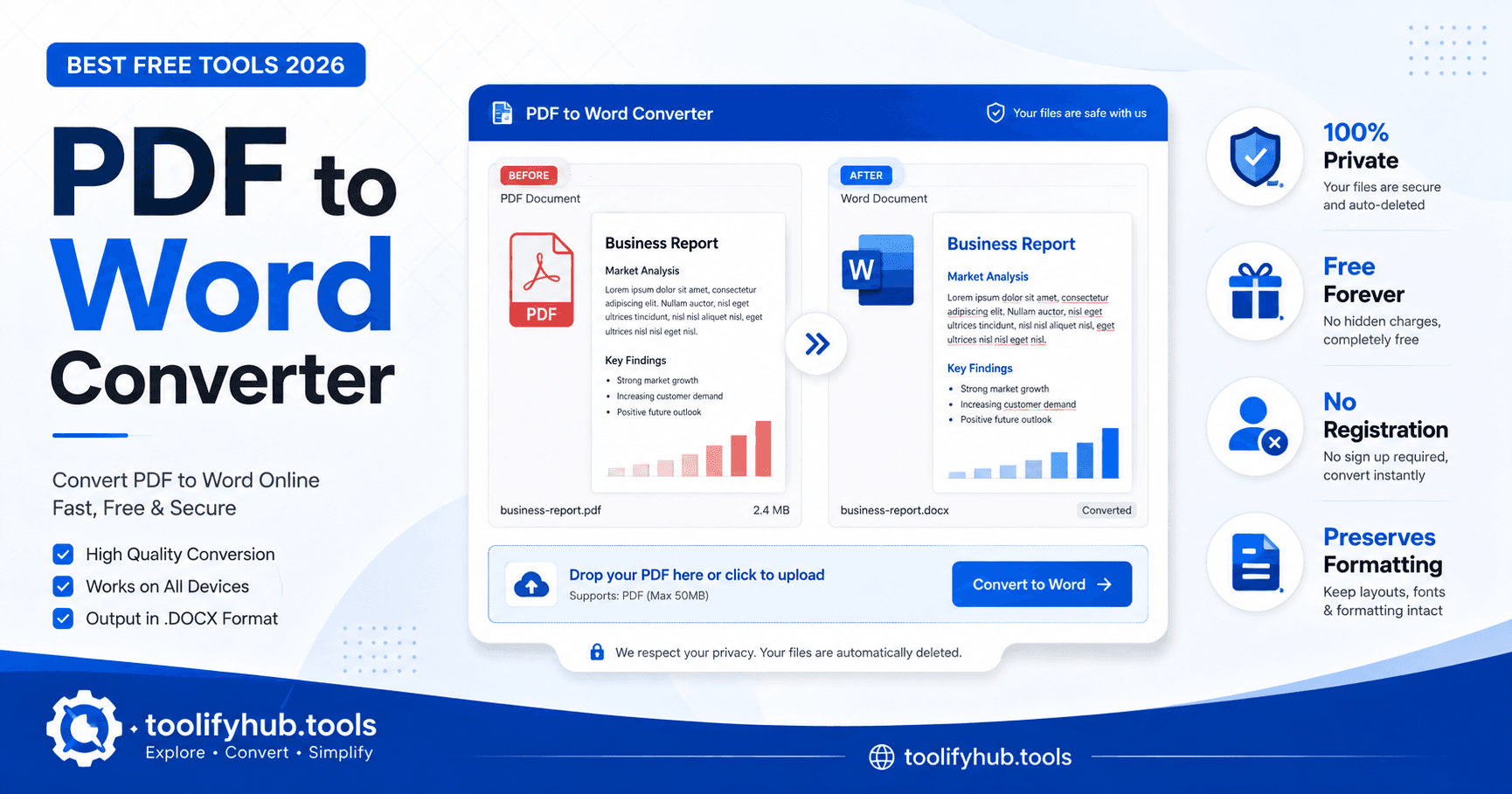
A PDF to Word converter online transforms static PDF documents into editable Microsoft Word (.docx) files, preserving formatting, fonts, and layout so you can easily modify content without retyping. This is essential for students, professionals, and businesses needing to extract and reuse PDF content in Word documents.
2. Why You Need a PDF to Word Converter
| User Type | Use Case | Benefit |
|---|---|---|
| Students | Convert lecture notes and research papers for editing | Edit and cite academic content easily |
| Professionals | Extract contracts, reports for modification | Quick document updates without retyping |
| Businesses | Digitize forms, invoices, records | Streamline data processing workflows |
| Researchers | Convert academic papers for analysis | Extract text for citation and referencing |
3. Top 9 Free PDF to Word Converter Online Tools (2026 Comparison)
| Rank | Tool | Key Features | Best For |
|---|---|---|---|
| 1 | iLovePDF | Batch processing, OCR, secure deletion, Google Drive integration | Heavy users needing batch conversion |
| 2 | Smallpdf | User-friendly interface, cloud storage, mobile app | Casual users wanting simplicity |
| 3 | Adobe Acrobat | OCR quality, preservation, trusted brand | Professional documents needing perfect fidelity |
| 4 | FreeConvert | No registration, fast processing, simple interface | Quick one-off conversions |
| 5 | Hipdf | Free, no sign-up, basic OCR | Budget-conscious users |
| 6 | PDF2Doc | Simple, no-frills conversion | Basic PDF to Word needs |
| 7 | Sejda | Limited free daily, desktop app available | Moderate users within daily limits |
| 8 | PDF.to | Open-source feel, privacy-focused | Users concerned about document security |
| 9 | Xodo | Annotation tools, form filling, conversion | Users needing extra PDF features |
4. Key Features to Compare When Choosing a PDF to Word Converter
| Feature | What It Means | Why It Matters |
|---|---|---|
| OCR | Converts scanned images to editable text | Essential for scanned PDFs or images |
| Batch Processing | Convert multiple PDFs at once | Saves time for large volumes |
| File Size Limits | Maximum PDF size accepted | Affects ability to convert large docs |
| Quality Retention | How well formatting is preserved | Critical for tables, columns, special formatting |
5. How to Choose the Right PDF to Word Converter
When selecting a PDF to Word converter, consider your specific needs:
- For Privacy: Choose client-side tools like ToolifyHub that process files locally in your browser
- For Batch Processing: Select tools like iLovePDF that support multiple file uploads
- For Scanned PDFs: Ensure the tool has OCR capabilities
- For Large Files: Check file size limits and processing speed
- For Formatting: Test with complex documents containing tables and images
6. Best Practices for PDF to Word Conversion
- Always keep a backup of your original PDF before conversion
- Use client-side converters for sensitive documents
- Check the converted Word document for formatting issues
- For scanned PDFs, ensure OCR is enabled
- Verify hyperlinks and bookmarks after conversion
- Test with a sample document before batch processing
7. Frequently Asked Questions
What is the best free PDF to Word converter online in 2026?
The best free PDF to Word converters in 2026 are iLovePDF, Smallpdf, Adobe Acrobat Online, and FreeConvert. Each offers unique features like batch processing, OCR, and client-side privacy protection. For maximum privacy, use client-side tools like ToolifyHub.
Are online PDF to Word converters safe to use?
Client-side converters like ToolifyHub are 100% safe because files never leave your browser. However, server-side tools may upload files to cloud servers. Always check privacy policies and use tools with secure deletion policies for sensitive documents.
Can I convert PDF to Word without losing formatting?
Yes, modern PDF to Word converters preserve formatting including fonts, images, tables, and layout. The quality depends on the PDF complexity and the converter's OCR capabilities for scanned documents.
How can I convert a scanned PDF to Word?
Use a converter with OCR (Optical Character Recognition) capabilities. Tools like iLovePDF, Adobe Acrobat, and ToolifyHub can recognize text in scanned PDFs and convert it to editable Word format.
Is there a limit on file size for PDF to Word conversion?
File size limits vary by tool. Free tools typically accept files up to 100-200MB. For larger files, consider desktop software or premium cloud services. Client-side tools like ToolifyHub have no artificial server-side limits.

Written by Ali Gohar
Founder of ToolifyHub & Product Systems Engineer
Editorial Disclaimer: This guide provides unbiased technical reviews of free online tools. ToolifyHub does not accept sponsored placement fees for software inclusion in our annual reviews.
Related Free Tools on ToolifyHub: PDF to Word Converter | PDF Compressor | Word to PDF
Related Tools
convert PDF to editable Word, convert Word back to PDF, compress PDFs before conversion

Ali Gohar
Founder of ToolifyHub.tools
I built ToolifyHub.tools after getting frustrated with expensive, watermarked, and signup-required tools. Based in Larkana, Pakistan. I test every tool personally before publishing.
Try Related Tools Free
Professional utilities to help you get things done faster.