How to Remove Background for E-Commerce Product Photos (Amazon, Shopify, eBay)
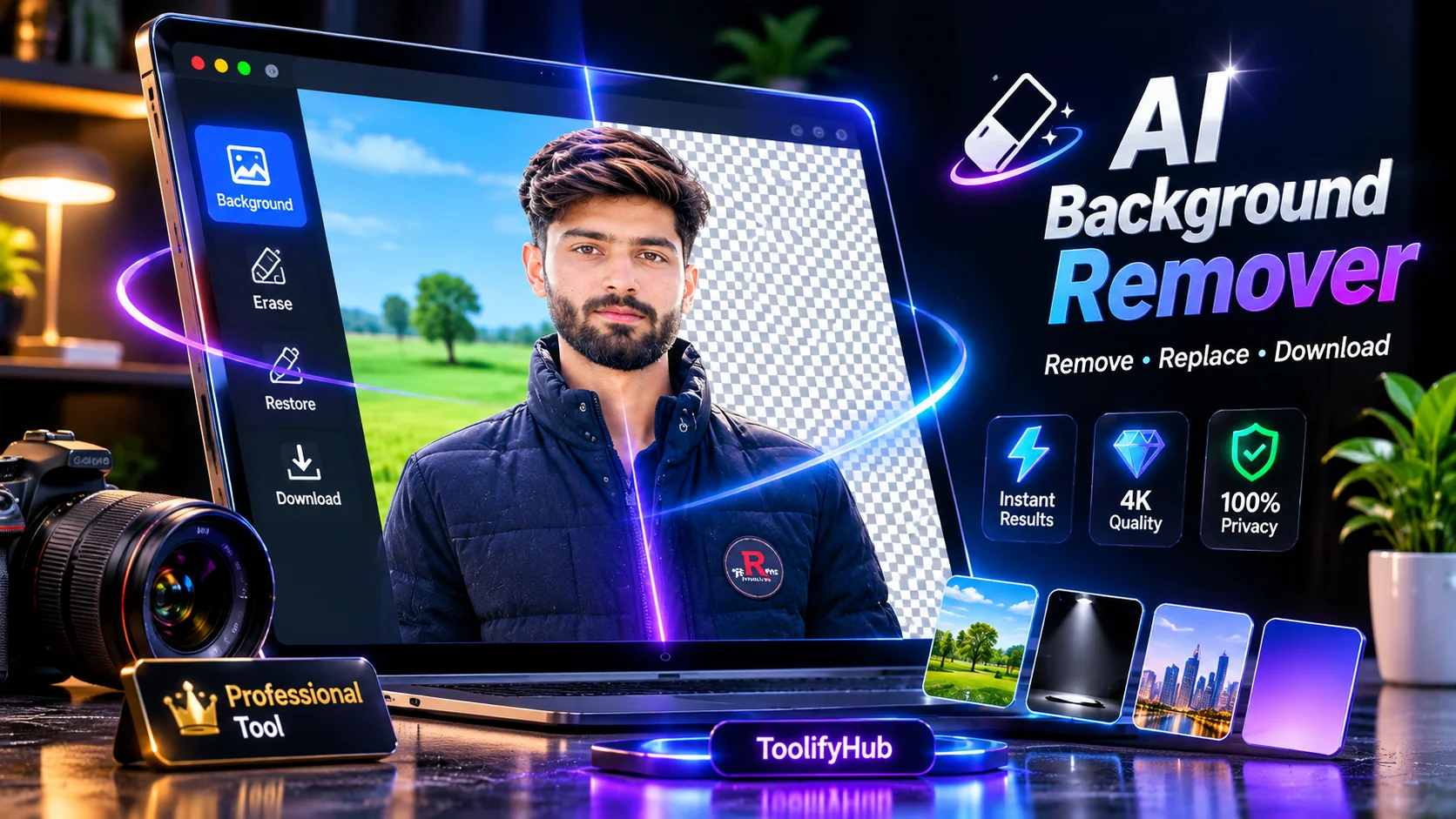
Executive Summary & Reference Guide
Optimize web graphics, resize biometric photos, and remove image backgrounds. Learn how browser canvas scaling performs instant conversions locally without sacrificing resolution quality.
In e-commerce, your main product photo is your digital storefront. Online shoppers cannot touch, weigh, or inspect your physical product—they evaluate build quality, craftsmanship, and trustworthiness purely through high-definition photography.
⚡ Key Takeaways
- Marketplace Compliance: Amazon, eBay, and Google Shopping require pure white (#FFFFFF / RGB 255,255,255) backgrounds on main hero images.
- Conversion Boost: Crisp, clutter-free product isolation increases conversion rates by up to 27% by focusing buyer attention exclusively on the item.
- Full-Resolution Output: ToolifyHub exports full-resolution transparent PNG files without downscaling or charging credit fees.
- Free High-Speed Tool: Isolate your product catalog with our free Background Remover Online with zero signup.
Table of Contents
1. Official Marketplace Image Standards
| Platform | Main Image Background | Recommended Resolution | Aspect Ratio |
|---|---|---|---|
| Amazon | Pure White (RGB 255, 255, 255) | 2000 x 2000 px (Zoom enabled) | 1:1 Square |
| Shopify | White or Transparent PNG | 2048 x 2048 px | 1:1 Square |
| eBay | Solid White or Light Neutral | 1600 x 1600 px | 1:1 or 4:3 |
| Google Shopping | Pure White Mandatory | 1024 x 1024 px minimum | 1:1 Square |
2. Step-by-Step Background Removal with ToolifyHub
- Open the free Background Remover tool on ToolifyHub.
- Select On-Device Mode (for confidential unreleased prototypes) or Cloud Turbo Mode (for ultra-fast AI processing on large camera batches).
- Drag and drop your raw product photograph into the upload area.
- Our neural network automatically maps the product silhouette, isolating complex edges, handles, textures, and transparent packaging.
- Download your high-resolution transparent PNG immediately with zero watermarks.
3. DIY Lighting & Shooting Best Practices
You do not need expensive studio strobe gear to achieve commercial results. Follow these simple shooting guidelines:
- Diffused Side Lighting: Shoot near a large window on an overcast day, or place a white sheet over direct sunlight to soften harsh glares.
- Seamless Sweep: Prop a single sheet of white poster board beneath and behind your item to eliminate sharp corners.
- Distance from Background: Keep your product at least 12 inches away from the backdrop to avoid color cast reflections.
4. Preserving Natural Ground Shadows
A product floating in pure void space can look artificial. To keep products grounded and authentic, retain subtle contact shadows beneath the base of the item or render a soft, realistic drop shadow during marketplace listing setup.
5. Privacy Architecture for Unreleased Products
Commercial Patent & NDA Protection
When preparing pre-launch imagery for unpatented hardware or confidential fashion lines, leaking images to unverified cloud servers can jeopardize trade secrets. ToolifyHub's On-Device Mode processes images 100% within your client browser environment—your photos are never transmitted across the network or retained in cloud training datasets.
6. Frequently Asked Questions
Why does Amazon mandate a pure white background for main product images?
Amazon's search algorithm prioritizes listings that display products on pure RGB 255, 255, 255 white backgrounds. This provides visual consistency across the marketplace, eliminates distracting clutter, and ensures seamless presentation across desktop and mobile shopping apps.
How can I remove backgrounds from product photos for free without losing image resolution?
Use ToolifyHub's free Background Remover. Unlike competitors that throttle free users to low-resolution 0.25-megapixel previews, ToolifyHub exports full-resolution PNG images up to native camera resolution with zero watermarks.
What is the recommended image resolution for Shopify and Amazon listings?
For Amazon, images should be at least 1000 pixels on the longest side to enable high-resolution hover-zoom (2000 x 2000 pixels is optimal). Shopify recommends 2048 x 2048 pixels for square product photography.
How do I avoid rough or jagged edges around product borders?
Our AI model uses advanced boundary feathering and semantic matting. To get the best results, shoot your products against a contrasting background with adequate lighting, avoiding direct shadows that blur into the product silhouette.
Can I use my smartphone camera to shoot commercial product photos?
Yes. Modern iPhone and Android cameras capture more than enough resolution (12MP to 48MP). Simply photograph your item in bright, indirect natural light, then use ToolifyHub to isolate the background.
Are my product photos uploaded or stored on your servers?
In On-Device Mode, all image segmentation runs locally in your web browser memory—your photos never touch an external server. In Cloud Turbo Mode, files are processed in volatile RAM over HTTPS and instantly discarded without being stored.
Can I replace the transparent background with custom lifestyle colors?
Yes. Once you export your transparent PNG, you can easily place it over brand-specific pastel backdrops, textured hero layouts, or lifestyle banners.
Is there a daily limit or paid credit subscription required?
No. ToolifyHub provides 100% free, unlimited background removal with no credits, no sign-up wall, and zero subscriptions.
Need to extract text from product labels or receipts?
Extract editable text and serial numbers with our free Image to Text OCR tool.
Related Tools
remove product photo backgrounds, extract text from labels, create official ID photos, generate product QR codes

Ali Gohar
Founder of ToolifyHub.tools
I built ToolifyHub.tools after getting frustrated with expensive, watermarked, and signup-required tools. Based in Larkana, Pakistan. I test every tool personally before publishing.
Try Related Tools Free
Professional utilities to help you get things done faster.